
Background & author credit
Where in the UI: Settings → Appearance / Background; #bgCredit at the bottom of the NTP.
Change the wallpaper and open the author's info.
Interface elements
Presets in the build, a CDN catalog at newtab.webdoka.com/background
Your own file (IndexedDB)
Credit: author name, a menu (author page, suggest a background, change background)
UI text color over the background (uiTextColor)
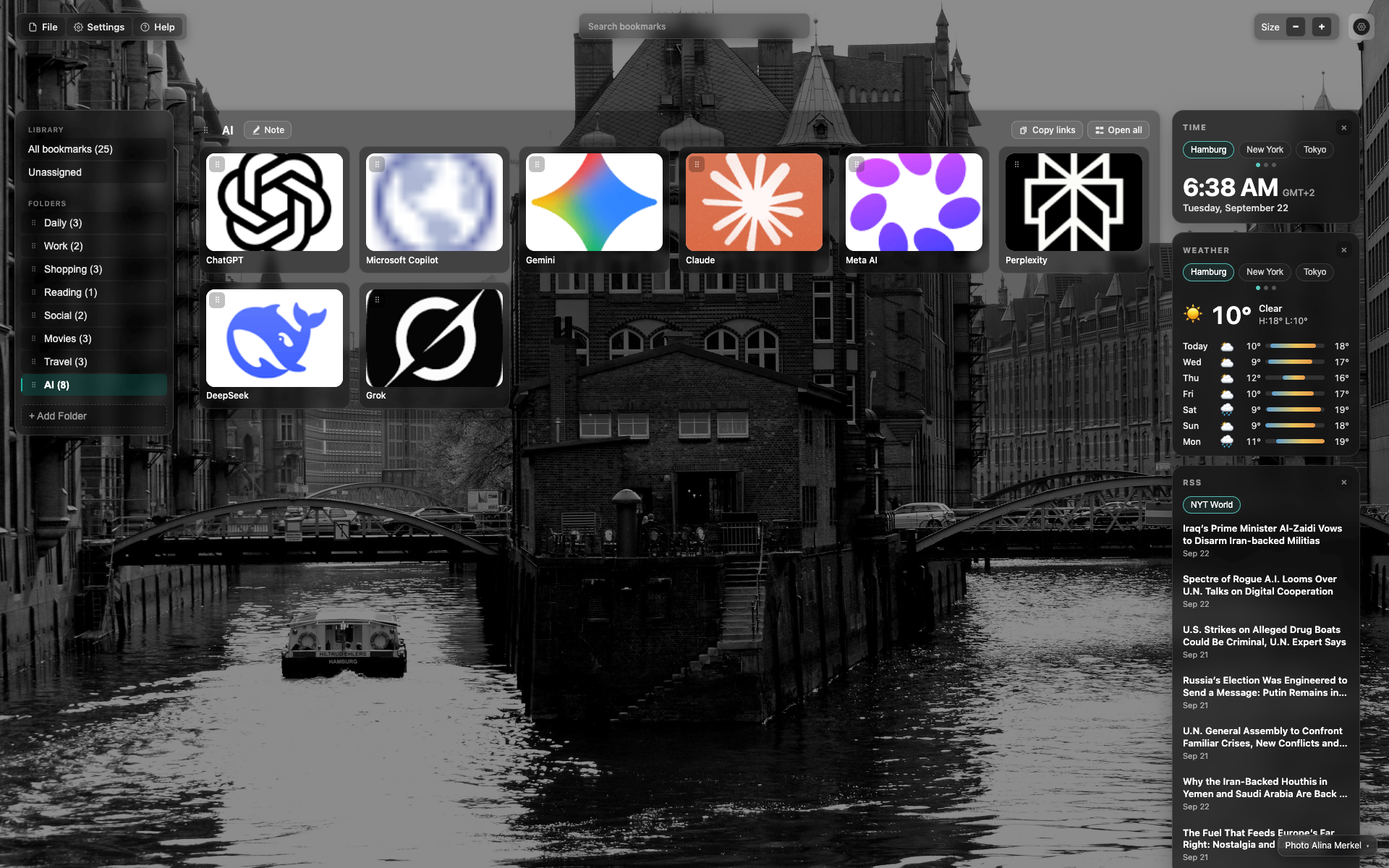
Credit at the bottom of the NTP
Small credit text in the bottom/right corner over the background.
A click opens the author / change-background menu.
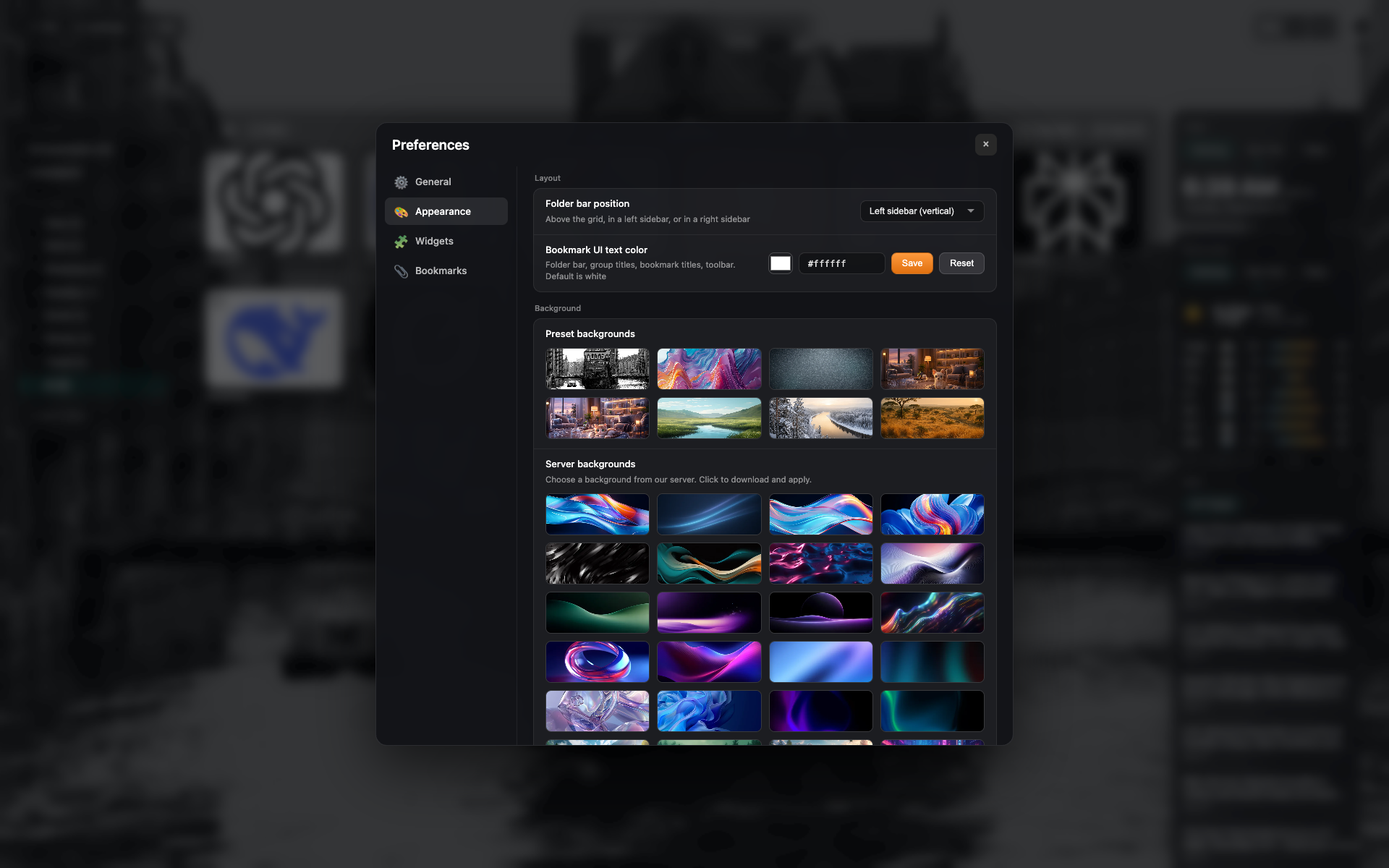
Presets in Appearance
The "Appearance" tab: a grid of background presets and your own upload.
Related topics
Didn’t find an answer?
Tell us what’s missing - we build the extension around real requests.