
Time widget
Where in the UI: the widgets column; configured in Plugins+ / Settings → Widgets.
See the time in several cities.
Interface elements
A city list (Open-Meteo geocoding)
Formats: locale auto / 12h / 24h / 24h compact
Default for new profiles: Hamburg, New York, Tokyo
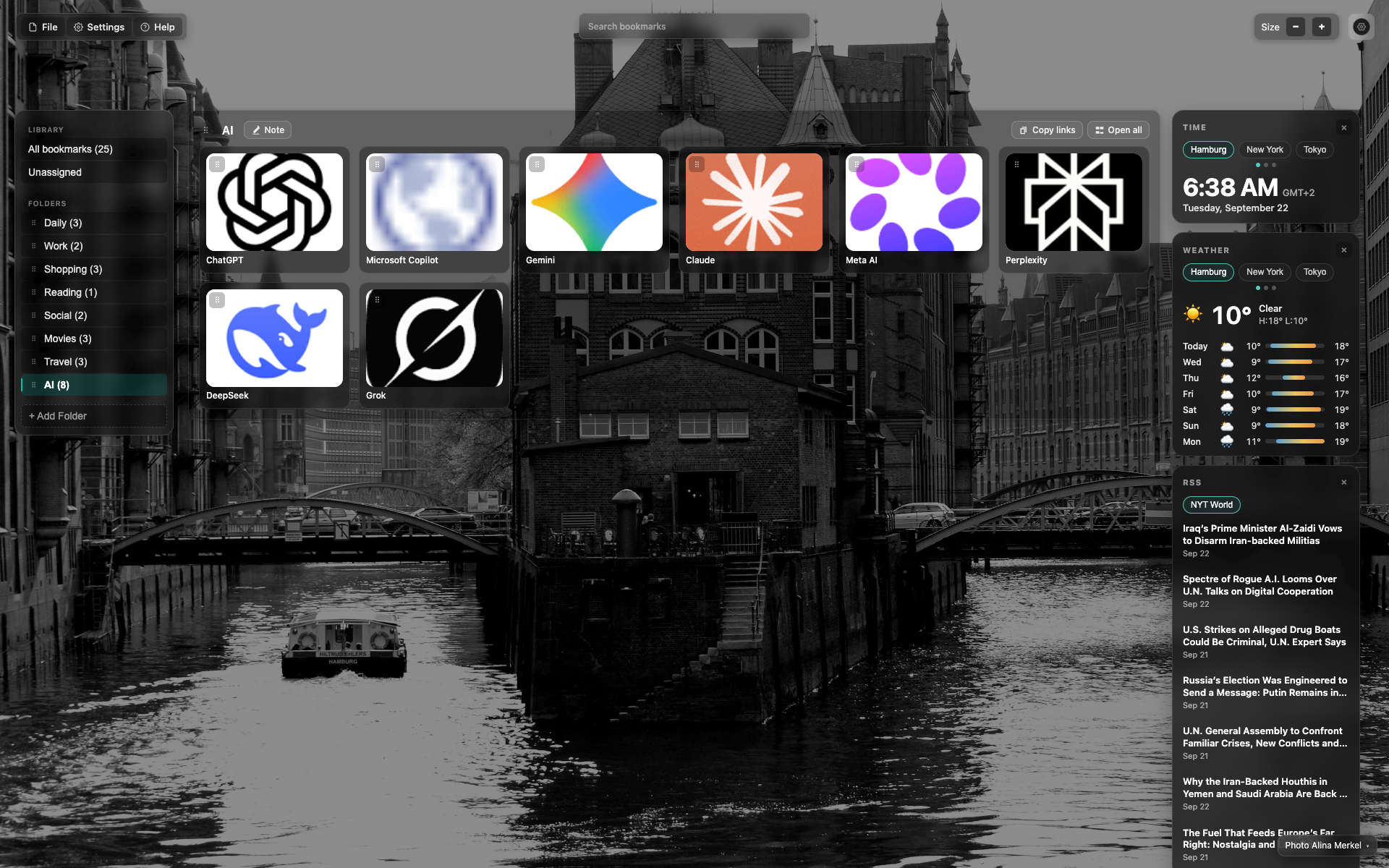
The "Time" widget
A large clock + date.
City tabs; Hamburg is active.
Related topics
Didn’t find an answer?
Tell us what’s missing - we build the extension around real requests.