
Settings - Bookmarks (backup & import)
Where in the UI: Preferences → Clips (below the Drive block).
Import Chrome bookmarks, export/import JSON, delete all clips.
Interface elements
Import Chrome bookmarks API (optional bookmarks permission)
Import / Export JSON
Delete all clips (with a confirmation)
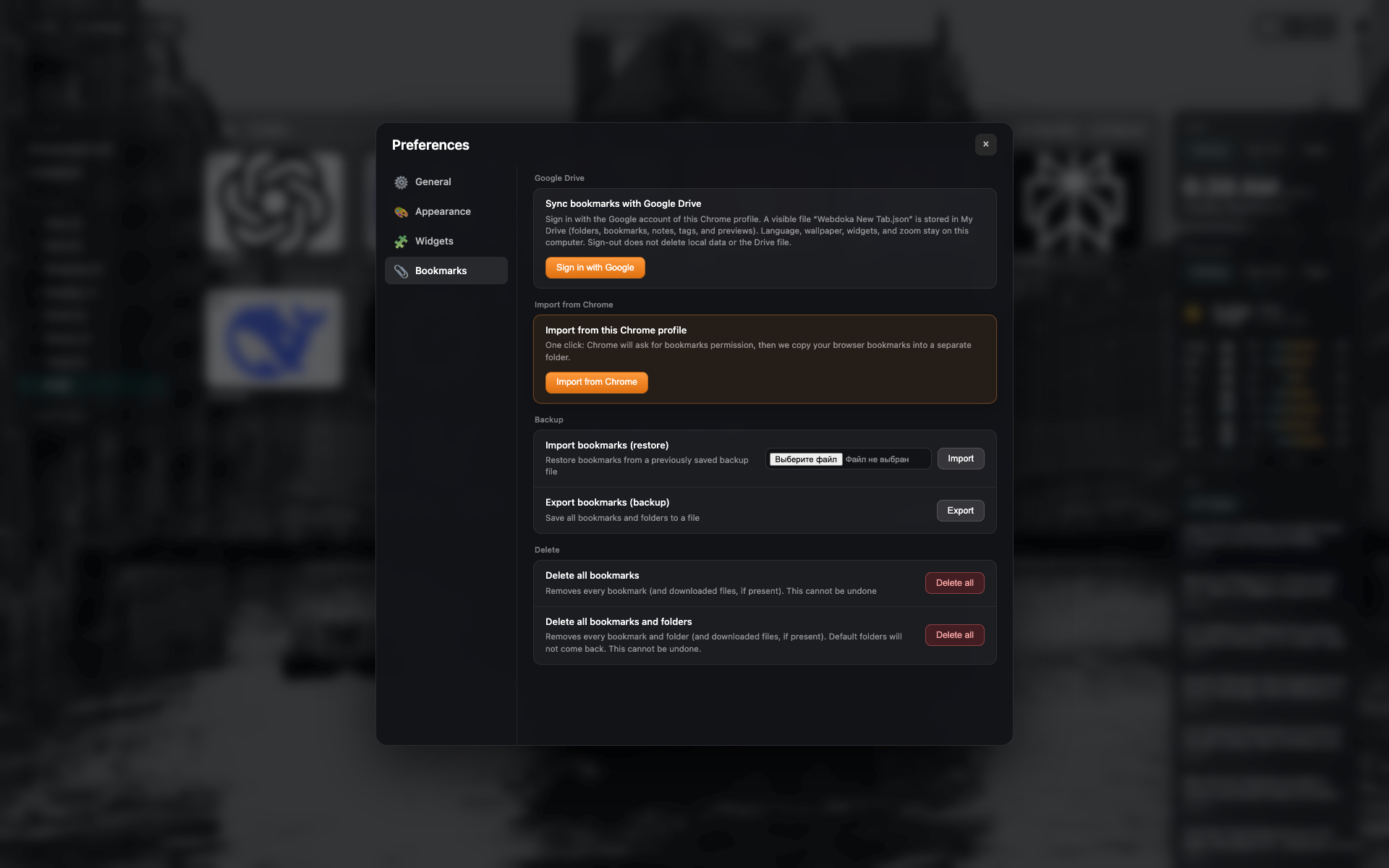
The "Bookmarks" tab
Google Drive and local backup/import sections.
Buttons to import Chrome bookmarks, JSON, and delete.
Related topics
Didn’t find an answer?
Tell us what’s missing - we build the extension around real requests.