
Notes on folders and cards
Where in the UI: right-click / "Note" button → #noteModal.
Keep a brief for a folder and notes for an individual site.
Interface elements
Textarea (up to 4000 characters)
Copy / Cancel / Save
An indicator when the note is not empty
Folder and card texts are independent
Main flow
1
Open a folder or card note.
2
Type the text → Save or copy to the clipboard.
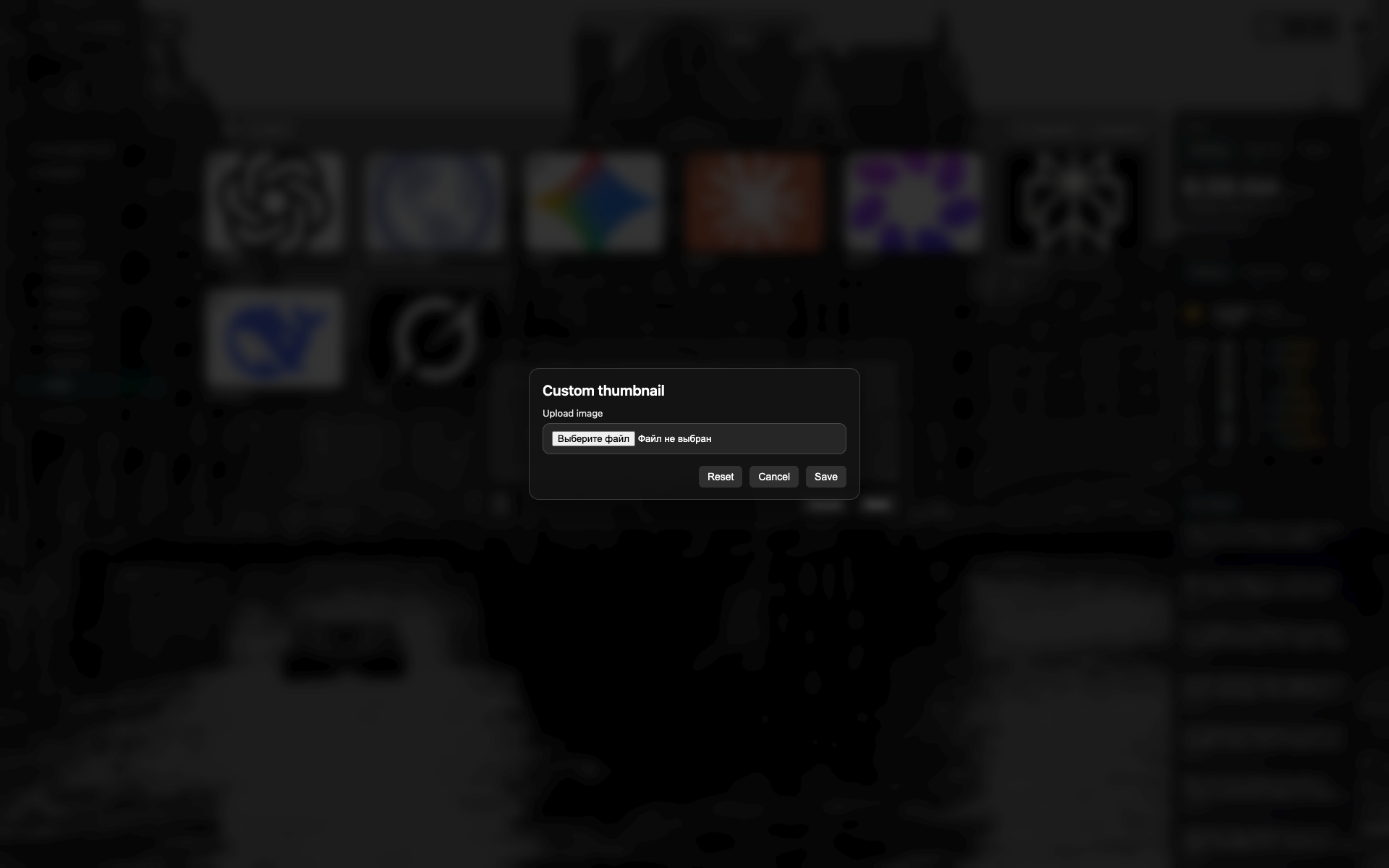
Note modal
A large text field.
Copy / Cancel / Save buttons.
Related topics
Didn’t find an answer?
Tell us what’s missing - we build the extension around real requests.