
பின்னணி & ஆசிரியர் வரவு
இடைமுகத்தில் எங்கே: அமைப்புகள் → தோற்றம் / பின்னணி; #bgCredit at the bottom of the NTP.
वॉलपेपर बदलें ಮತ್ತು लेखक की जानकारी ತೆರೆಯಿರಿ
இடைமுக கூறுகள்
बिल्ड ರಲ್ಲಿ preset, CDN catalog newtab.webdoka.com/background
अपनी फ़ाइल (IndexedDB)
क्रेडिट: लेखक नाम, மெனு (लेखक पेज, पृष्ठभूमि सुझाएँ, पृष्ठभूमि बदलें)
पृष्ठभूमि ಮೇಲೆ UI text color (uiTextColor)
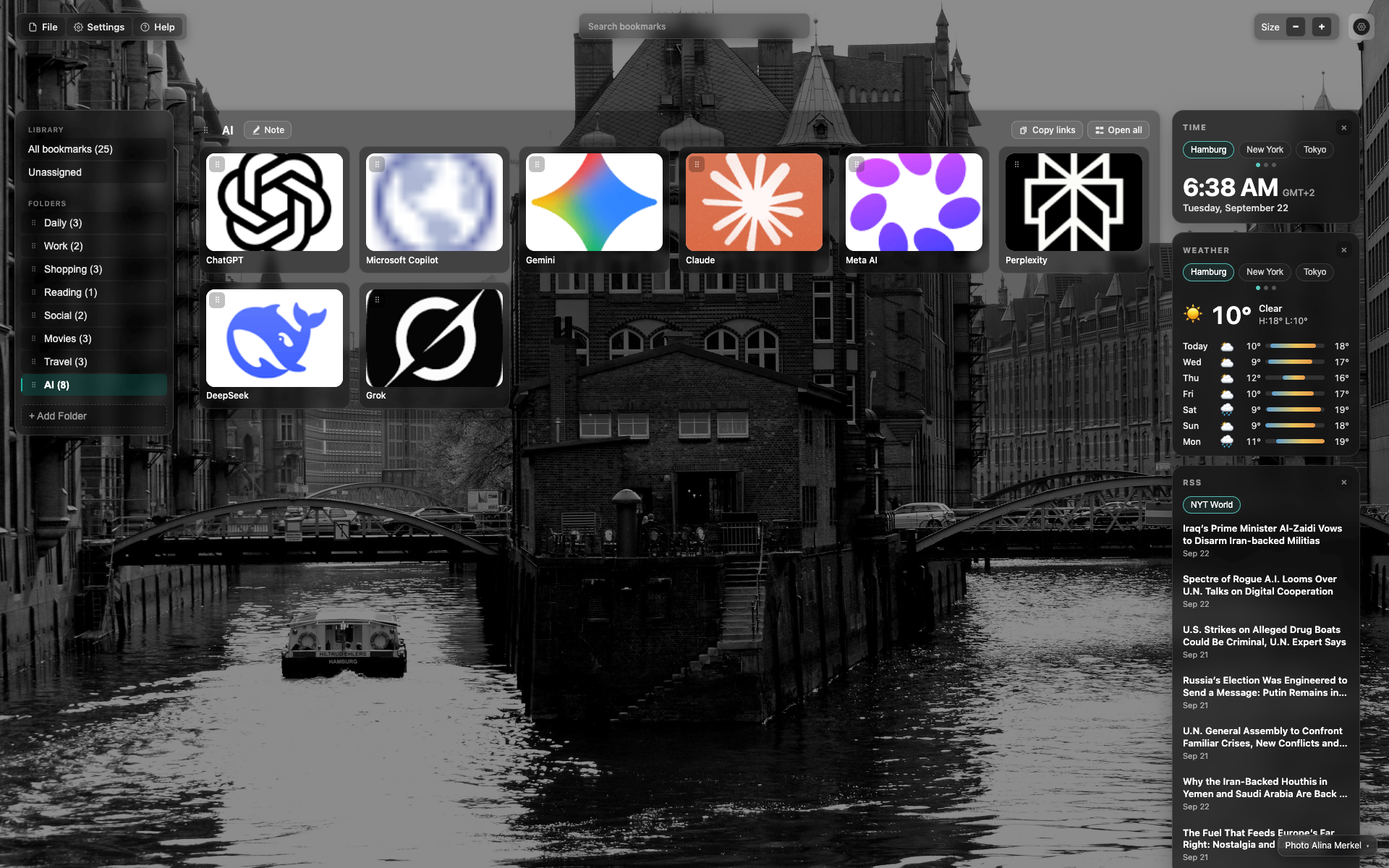
Credit at the bottom of the NTP
Small credit text in the bottom/right corner over the background.
A click opens the author / change-background menu.
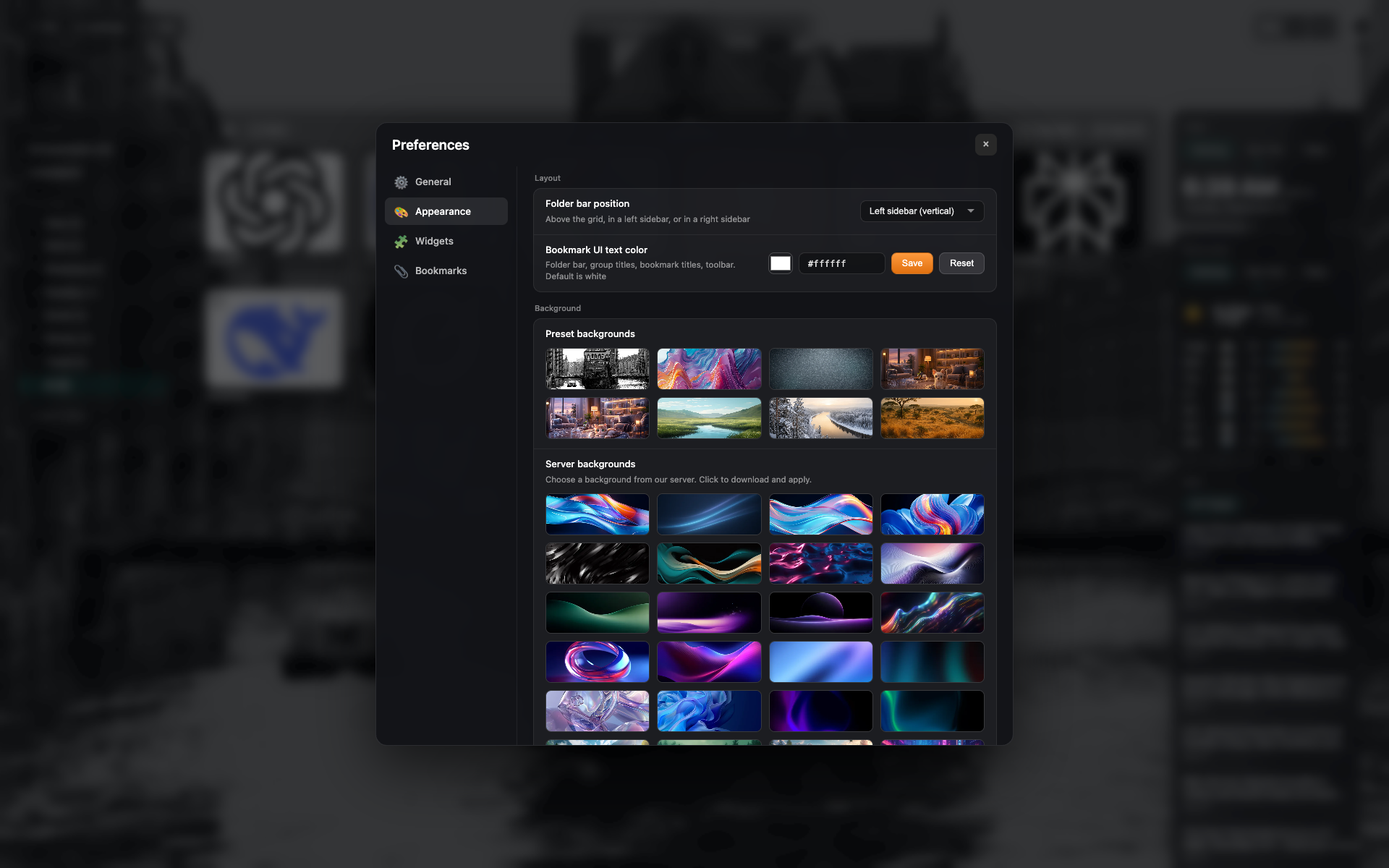
Presets in Appearance
The "Appearance" tab: a grid of background presets and your own upload.
தொடர்புடைய தலைப்புகள்
பதில் கிடைக்கவில்லையா?
என்ன குறைவாக உள்ளது என்று சொல்லுங்கள் - நாங்கள் நீட்டிப்பை உண்மையான கோரிக்கைகளைச் சுற்றி கட்டுகிறோம்.