
నేపథ్యం & రచయిత క్రెడిట్
ఇంటర్ఫేస్లో ఎక్కడ: సెట్టింగులు → రూపం / నేపథ్యం; #bgCredit at the bottom of the NTP.
वॉलपेपर बदलें ಮತ್ತು लेखक की जानकारी ತೆರೆಯಿರಿ
ఇంటర్ఫేస్ అంశాలు
बिल्ड ರಲ್ಲಿ preset, CDN catalog newtab.webdoka.com/background
अपनी फ़ाइल (IndexedDB)
क्रेडिट: लेखक नाम, మెను (लेखक पेज, पृष्ठभूमि सुझाएँ, पृष्ठभूमि बदलें)
पृष्ठभूमि ಮೇಲೆ UI text color (uiTextColor)
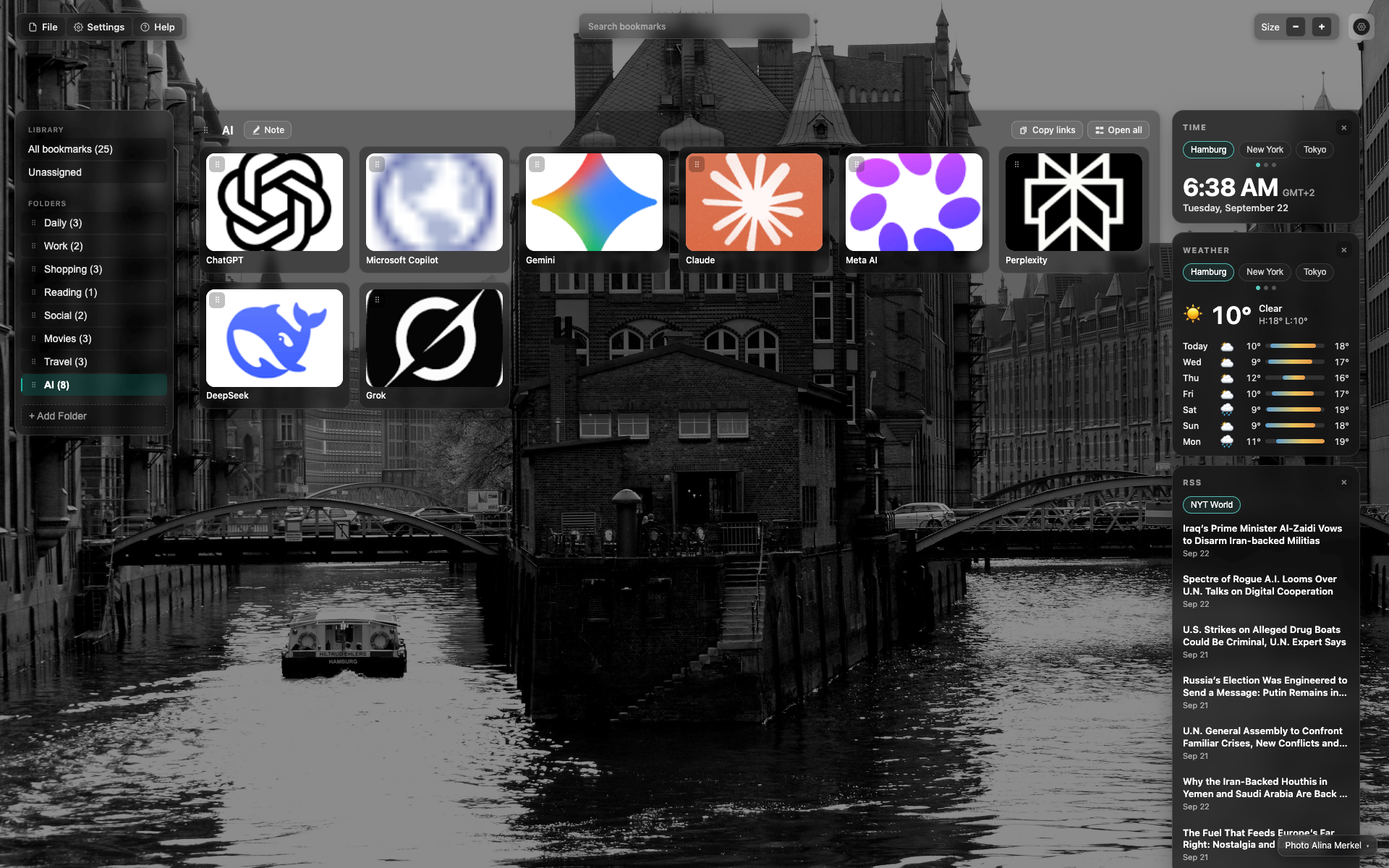
Credit at the bottom of the NTP
Small credit text in the bottom/right corner over the background.
A click opens the author / change-background menu.
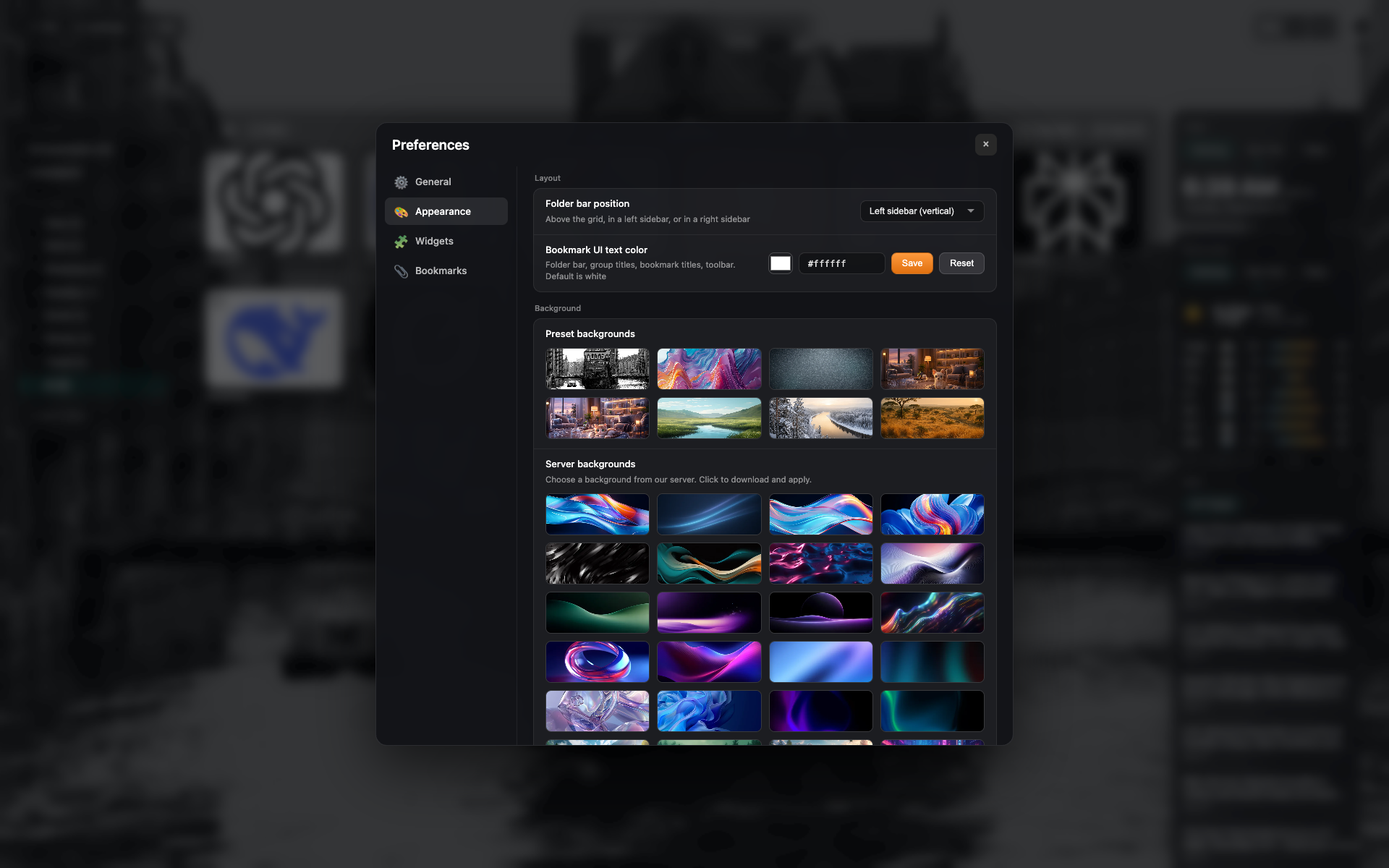
Presets in Appearance
The "Appearance" tab: a grid of background presets and your own upload.
సంబంధిత అంశాలు
సమాధానం దొరకలేదా?
ఏమి లేదో చెప్పండి - మేము ఎక్స్టెన్షన్ను నిజమైన అభ్యర్థనల చుట్టూ నిర్మిస్తాము.