
కొత్త ట్యాబ్ లేఅవుట్ (NTP)
ఇంటర్ఫేస్లో ఎక్కడ: chrome_url_overrides.newtab → newtab.html
पृष्ठभूमि, మెను, खोज, फ़ोल्डर, ग्रिड ಮತ್ತು widgets एक नज़र में
ఇంటర్ఫేస్ అంశాలు
ऊपर: bookmark search bar (#bookmarkSearchBar)
పై ఎడమ: ఫైల్ / సెట్టింగ్లు / సహాయం మెను (#appMenuBar).
फ़ोल्डर पैनल: बाए / दाए / ऊपर (Appearance)
मुख्य क्षेत्र: కార్డ్ ग्रिड या grouped view
दाएँ widgets column (time / weather / RSS), यदि सक्षम
కింద: నేపథ్యం రచయిత క్రెడిట్ (#bgCredit).
కార్డ్ పరిమాణం control (పరిమాణం -/+).
ప్రధాన ప్రవాహం
1
नया टैब ತೆರೆಯಿರಿ
2
साइडबार ರಲ್ಲಿ फ़ोल्डर चुनें, या All / Unassigned
3
కార్డ్ क्लिक URL खोलता (same tab या नया - General ರಲ್ಲಿ सेट)
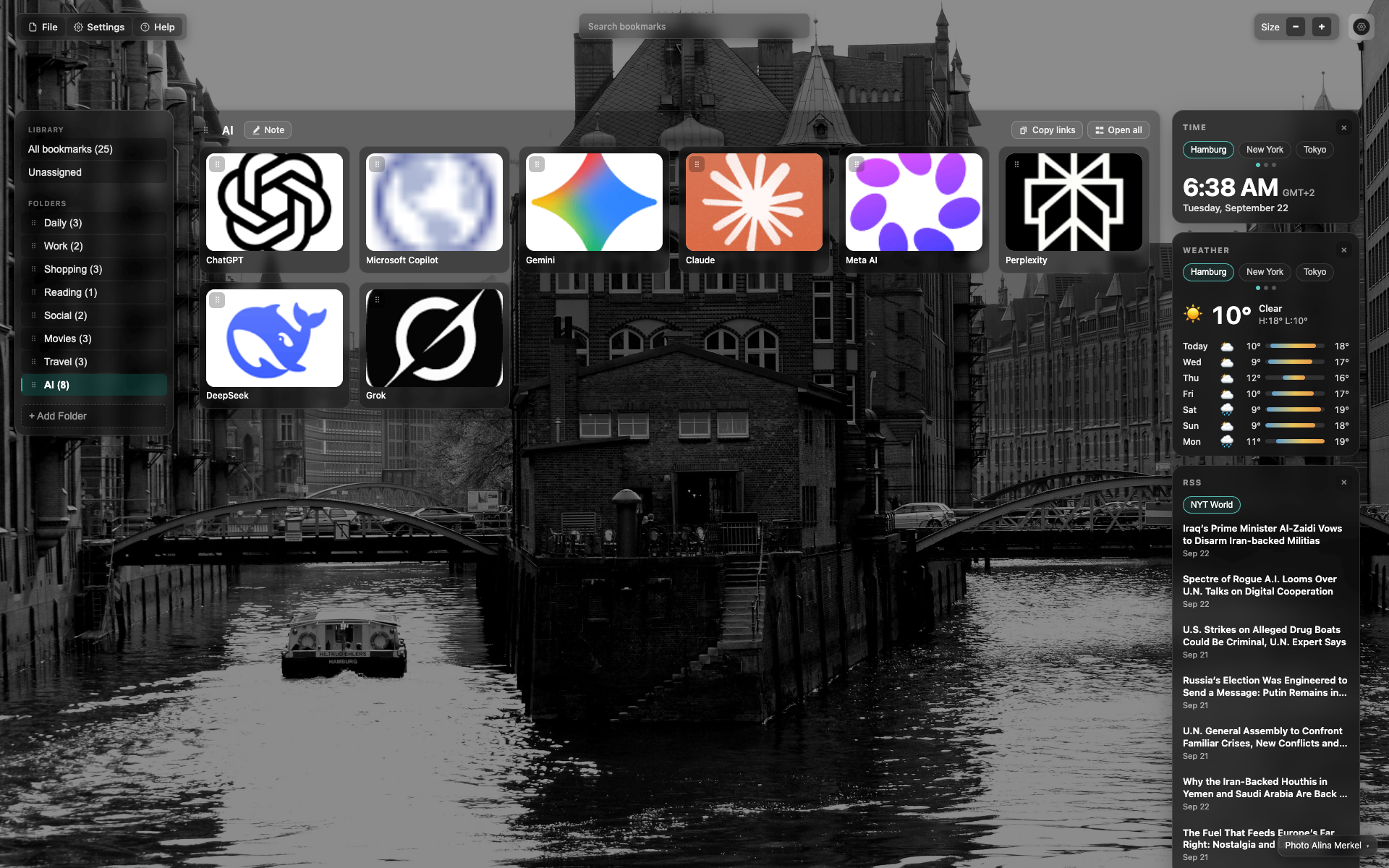
Full NTP frame
Four zones: top bar, left folder sidebar, central grid, right widgets.
Full-screen background; the UI is translucent.
This frame shows the same scene as the overview (the AI folder).
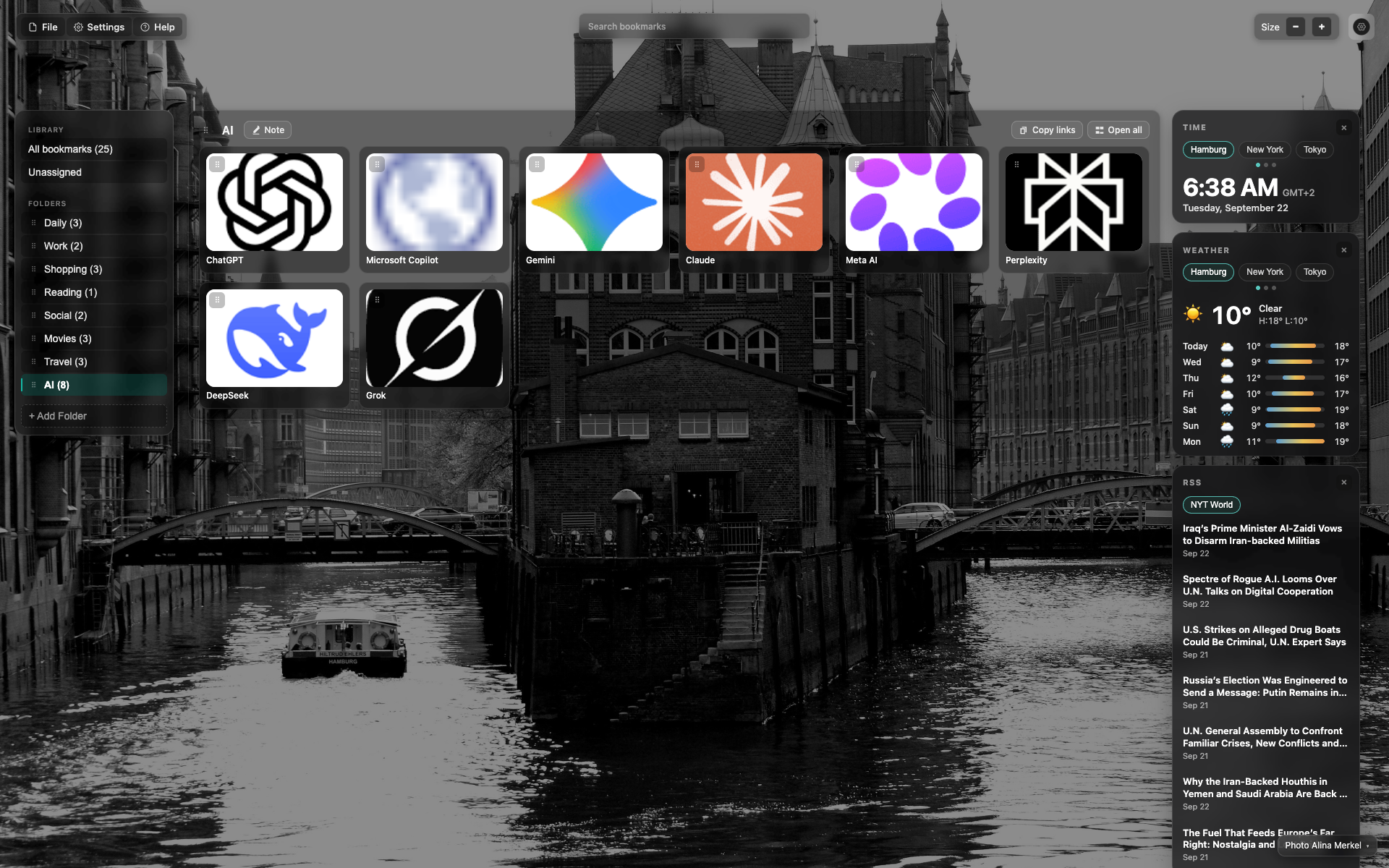
Top bar (same frame - anchor for a crop)
Use the top third: menu + search + Size.
Search is a wide translucent pill in the center.
సంబంధిత అంశాలు
సమాధానం దొరకలేదా?
ఏమి లేదో చెప్పండి - మేము ఎక్స్టెన్షన్ను నిజమైన అభ్యర్థనల చుట్టూ నిర్మిస్తాము.