
पार्श्वभूमी & लेखक श्रेय
इंटरफेसमध्ये कुठे: Settings → Appearance / Background; NTP के नीचे #bgCredit
वॉलपेपर बदलें और लेखक की जानकारी खोलें
इंटरफेस घटक
बिल्ड में preset, CDN catalog newtab.webdoka.com/background
अपनी फ़ाइल (IndexedDB)
क्रेडिट: लेखक नाम, मेनू (लेखक पेज, पृष्ठभूमि सुझाएँ, पृष्ठभूमि बदलें)
पृष्ठभूमि पर UI text color (uiTextColor)
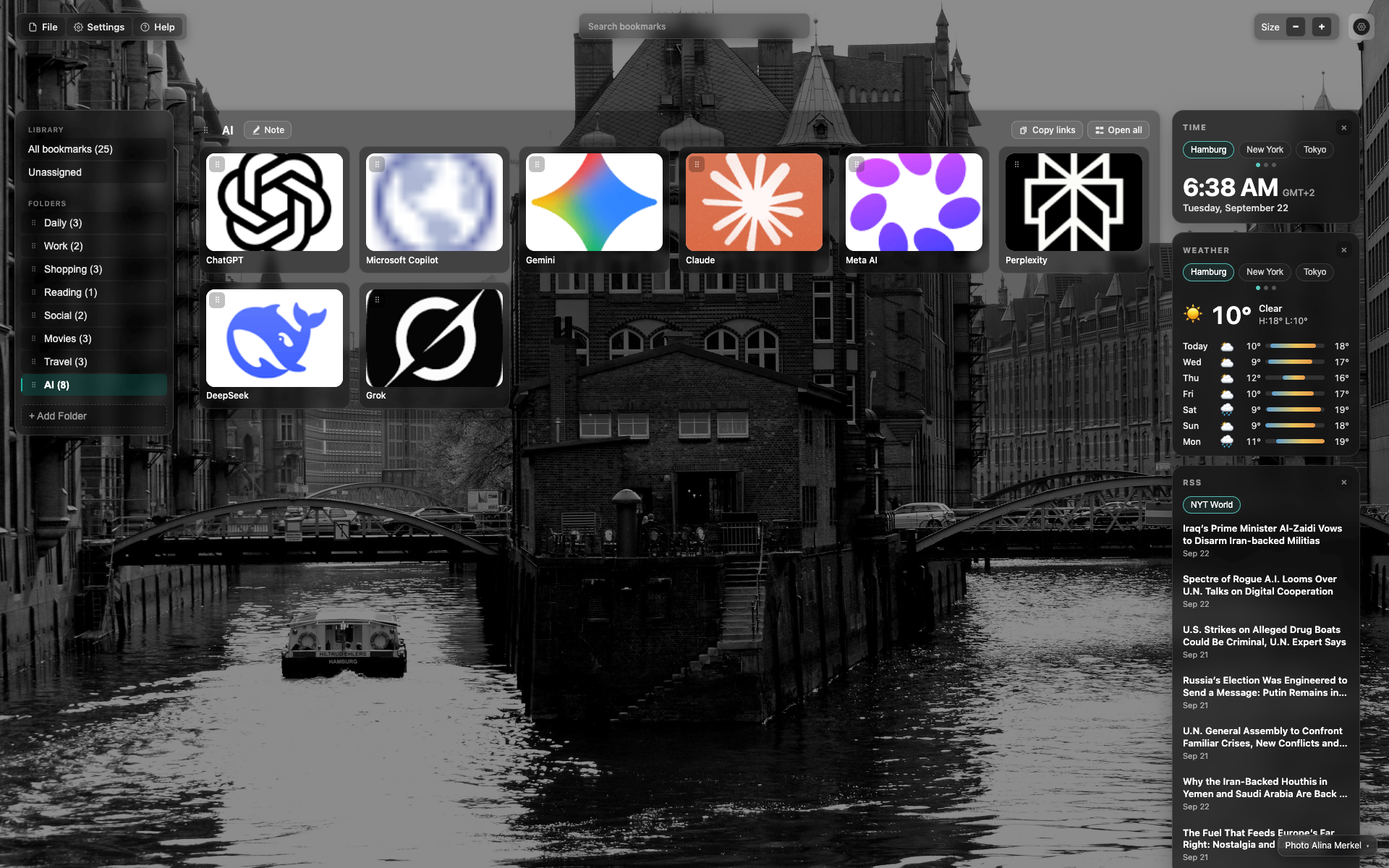
Credit at the bottom of the NTP
Small credit text in the bottom/right corner over the background.
A click opens the author / change-background menu.
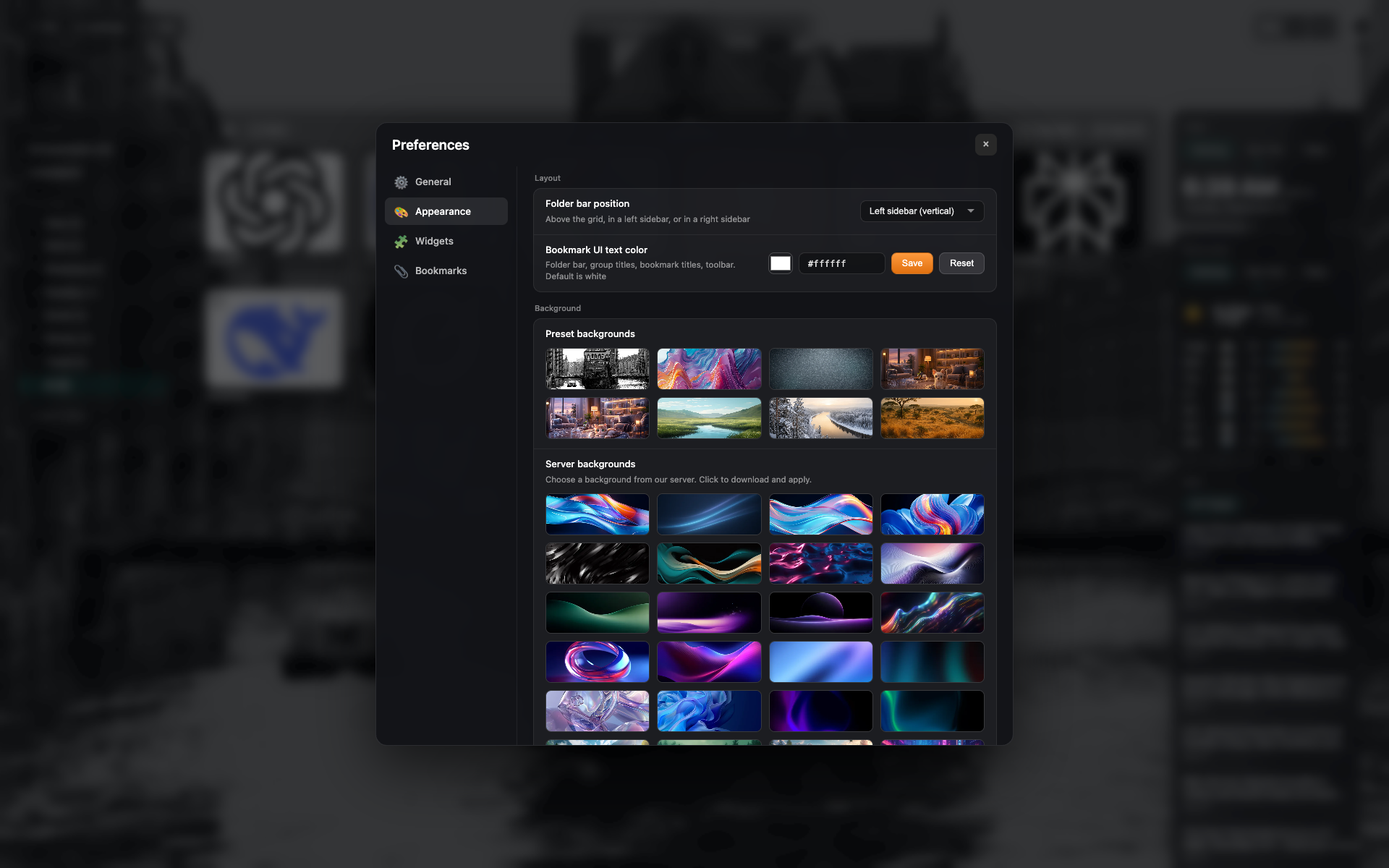
Presets in Appearance
The "Appearance" tab: a grid of background presets and your own upload.
संबंधित विषय
उत्तर सापडले नाही?
काय कमी आहे सांगा - आम्ही एक्सटेंशन वास्तविक विनंत्यांभोवती बांधतो.