
Your new tab, turned into a visual workspace
Save any page as a visual bookmark, organize everything in folders, search from the tab, and add widgets. Every new tab becomes a fast, personal start page.
A start page that actually works for you
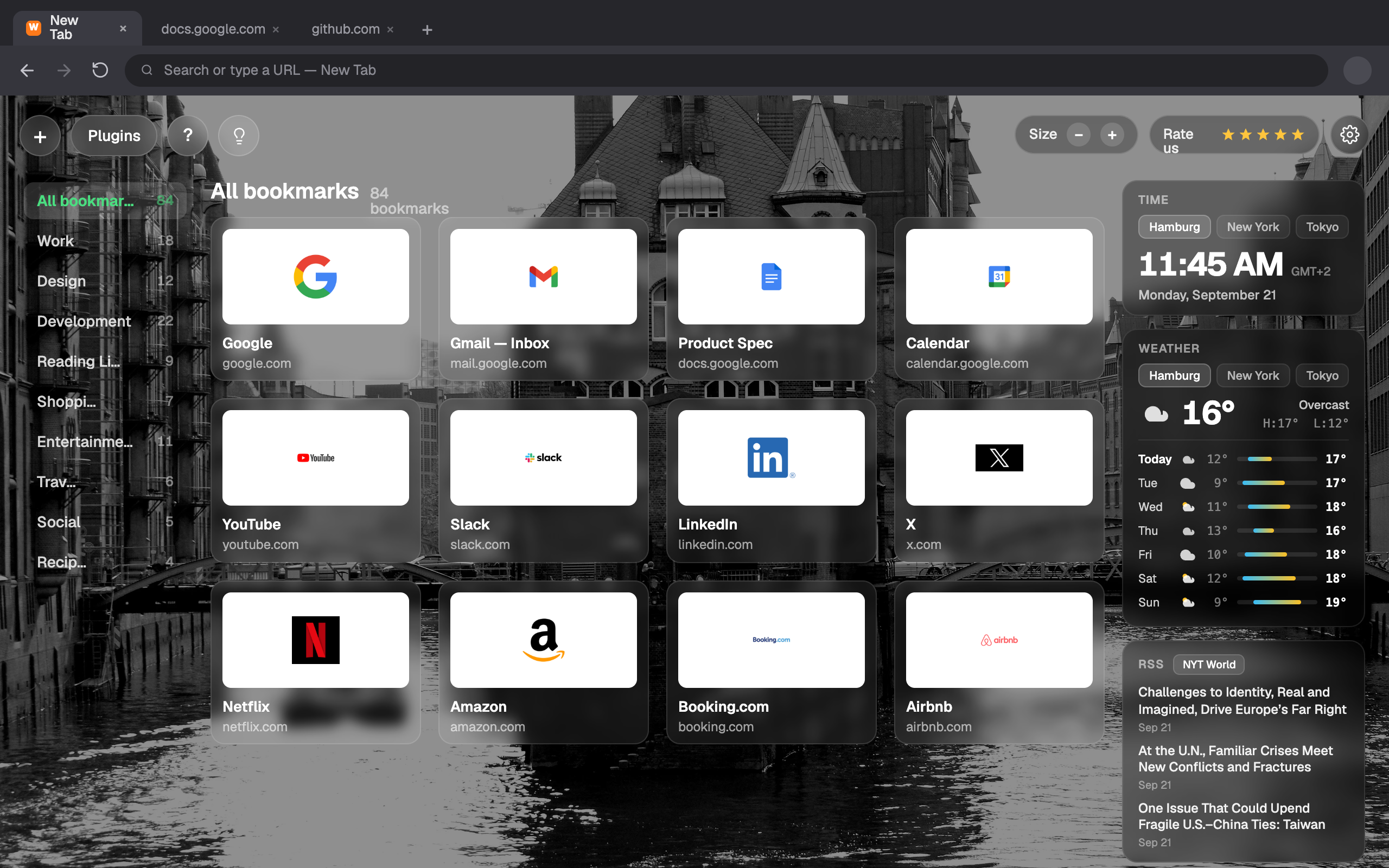
Webdoka New Tab replaces the default new tab in Chrome and Firefox with a personal dashboard. Keep important pages at hand without cluttering the bookmarks bar - save a part of a page or a whole page as a visual bookmark, group them in folders, search right from the tab, and add widgets like weather.
Visual bookmarks
Cards with a preview or icon, title and URL. Open or delete in one click.
Capture area
Select a rectangle on any page and save it as a visual bookmark.
Save full page
Clip a whole page, or quick-save to Unassigned for later sorting.
Folders
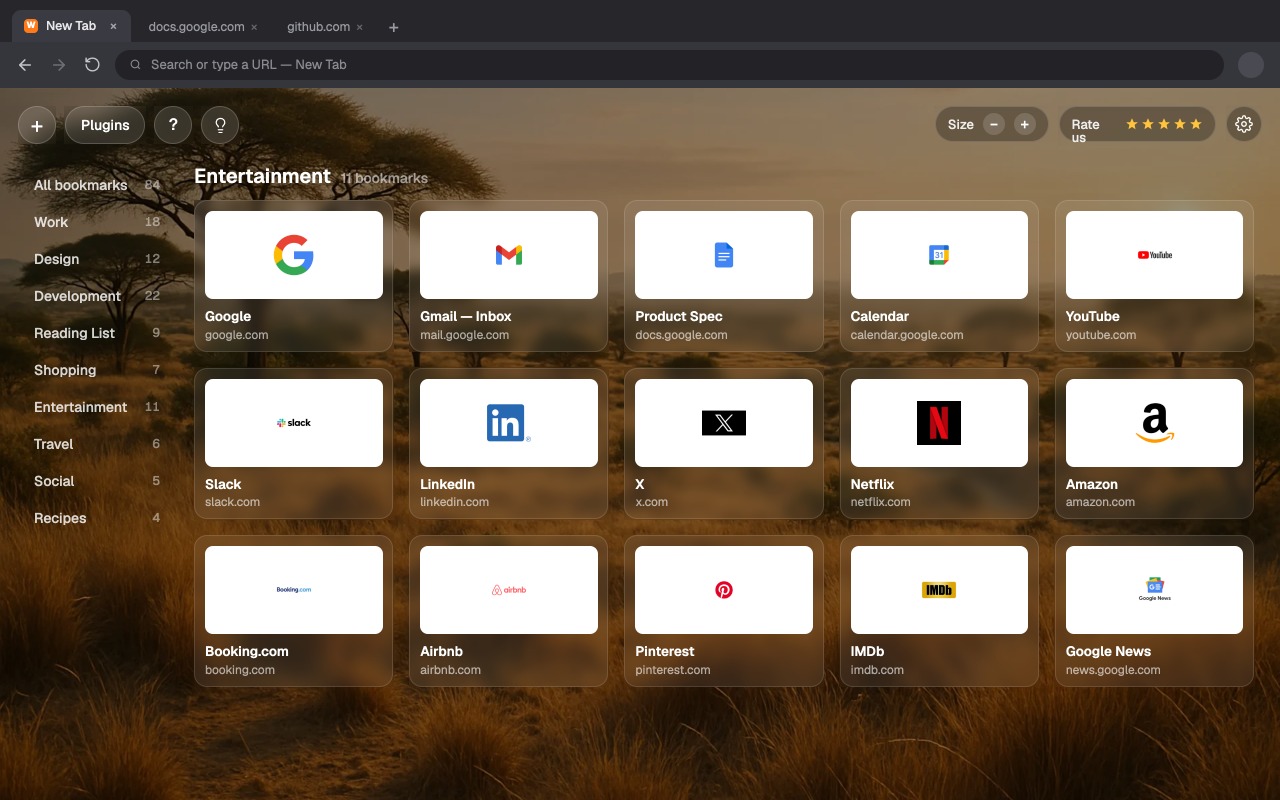
Organize cards, drag & drop to reorder, and browse a grouped view.
Search from the tab
Classic engines plus AI - ChatGPT, Claude, Perplexity and Copilot.
Widgets
Add Weather and more, with a layout you can customize freely.
Organize once, find instantly
Group bookmarks into folders like Work, Design or Reading List. Drag & drop to reorder, switch folders from the sidebar, and see everything grouped in one clean view.
Make it feel like yours
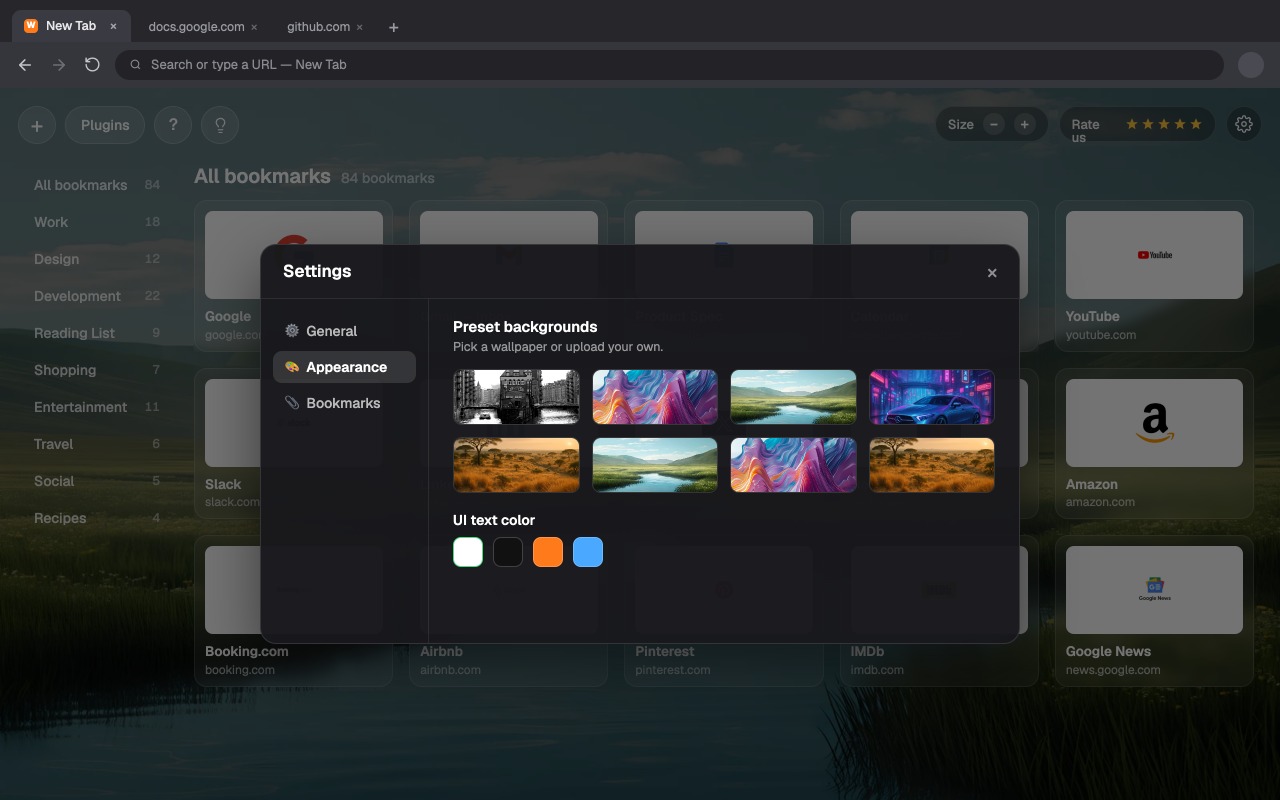
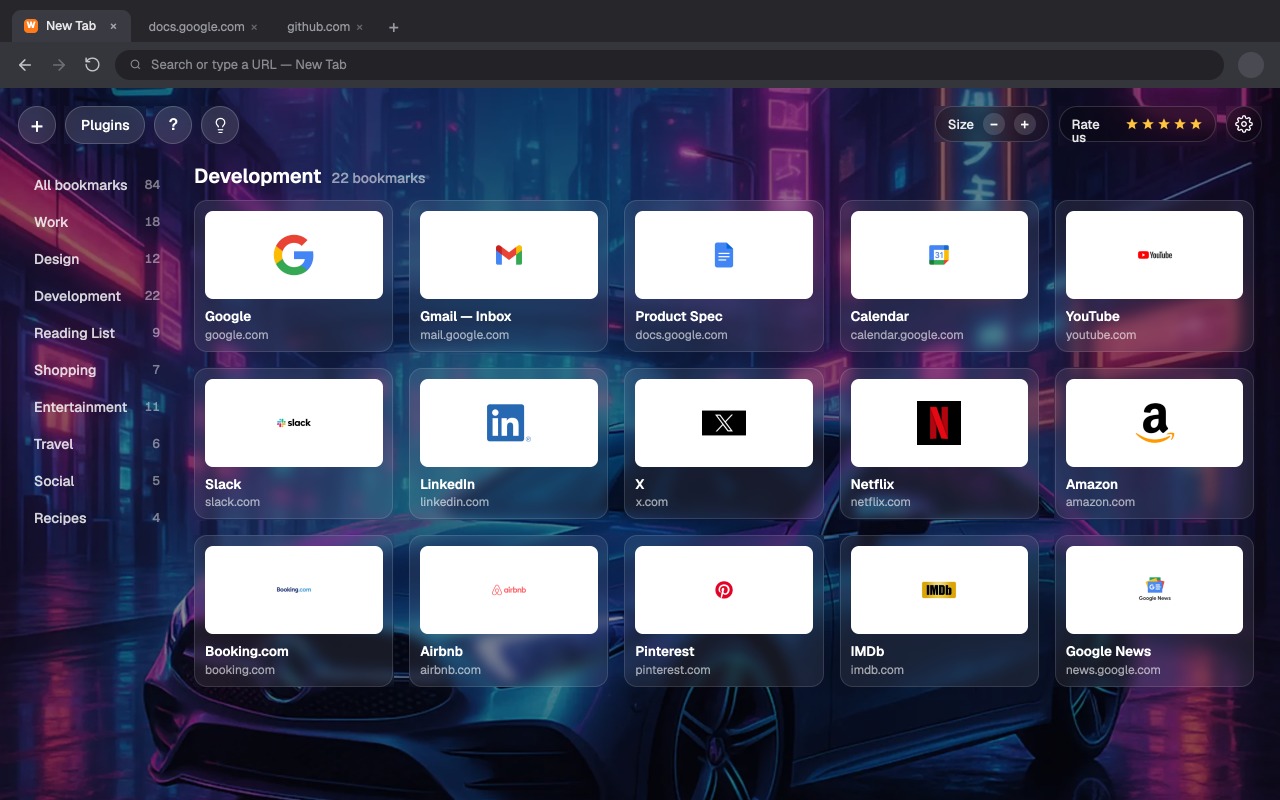
Pick a preset wallpaper or upload your own, tune the UI text color, and adjust the card size. A start page that matches your mood, not the browser's default.
Everything you need to get set up
Getting started
Install, set as your new tab and add your first bookmark.
Read guide →Capture & Web Clipper
Clip a page area, save full pages and quick-save.
Read guide →Folders & organizing
Create folders, drag cards and manage your grid.
Read guide →Search & AI engines
Set default engines and use AI search from the tab.
Read guide →Backgrounds & appearance
Wallpapers, text color, card size and layout.
Read guide →Backup & import
Export your bookmarks and bring them to another device.
Read guide →