
Ang bagong tab mo ay nagiging visual workspace
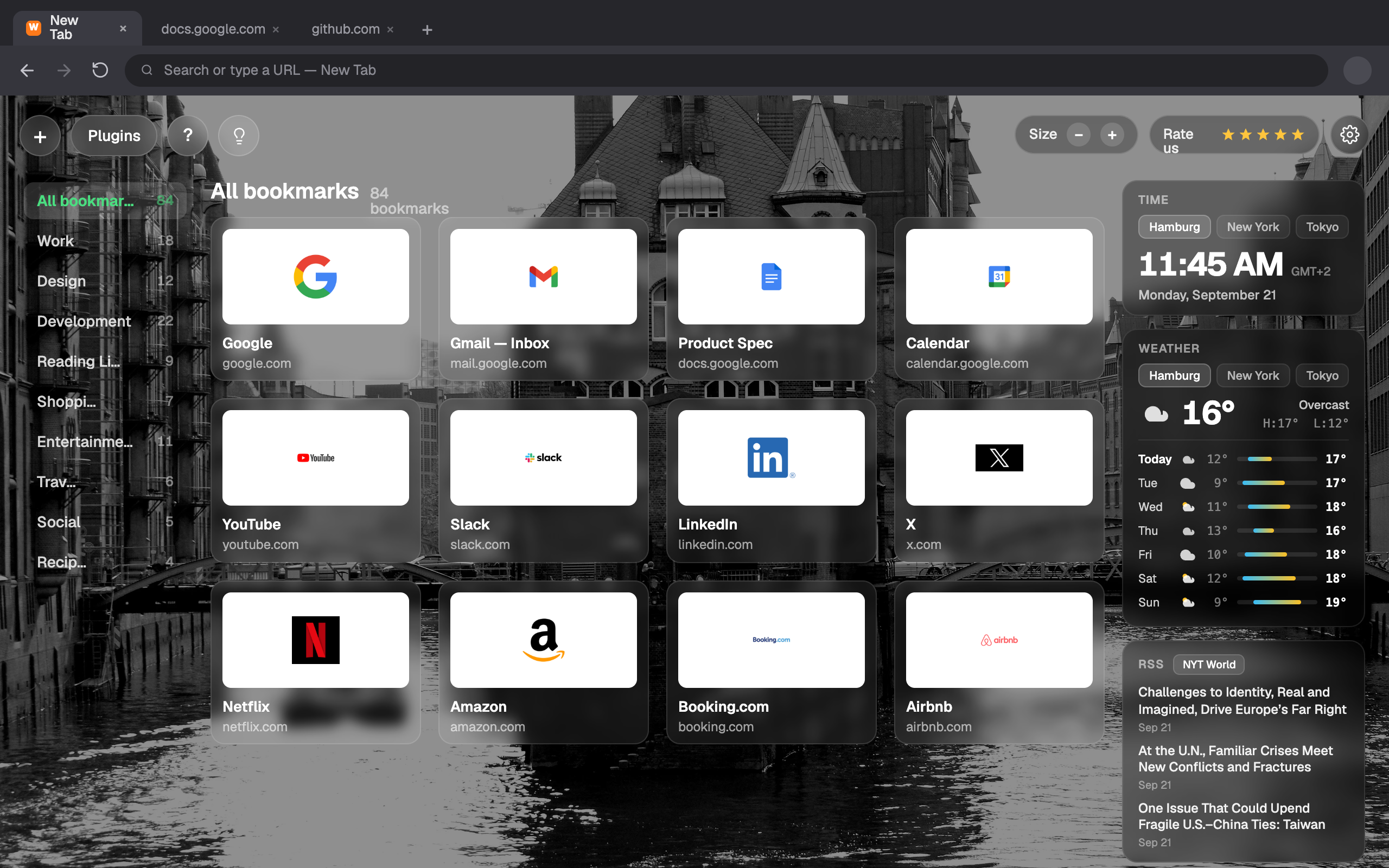
Ang bagong tab ay nagiging visual dashboard. I-save ang mga pahina bilang bookmark, maghanap, ayusin sa mga folder.
Para saan?
Ang New Tab mula sa Webdoka ay custom na extension ng bagong tab na nagpapapalit ng default na pahina ng bagong tab ng personalized na dashboard sa Chrome at Firefox. Tinutulungan kang baguhin ang pahina ng bagong tab sa Chrome, magtakda ng custom na pahina ng bagong tab, at gawing mas kapaki-pakinabang na workspace ang bawat bagong tab.
Visual bookmarks
Mga card na may preview o icon, pamagat at URL. Buksan o burahin sa isang click.
Kumuha ng area
Pumili ng rectangle sa anumang page at i-save bilang visual bookmark.
I-save ang buong page
I-clip ang buong page, o mabilisang i-save sa Unassigned para sa pag-aayos mamaya.
Mga folder
Ayusin ang mga card, i-drag at i-drop para muling ayusin, at tingnan ang nakapangkat na view.
Maghanap mula sa tab
Mga klasikong engine kasama ang AI - ChatGPT, Claude, Perplexity at Copilot.
Mga widget
Magdagdag ng Weather at iba pa, na may layout na malayang mai-customize.
Ayusin minsan, mahanap agad
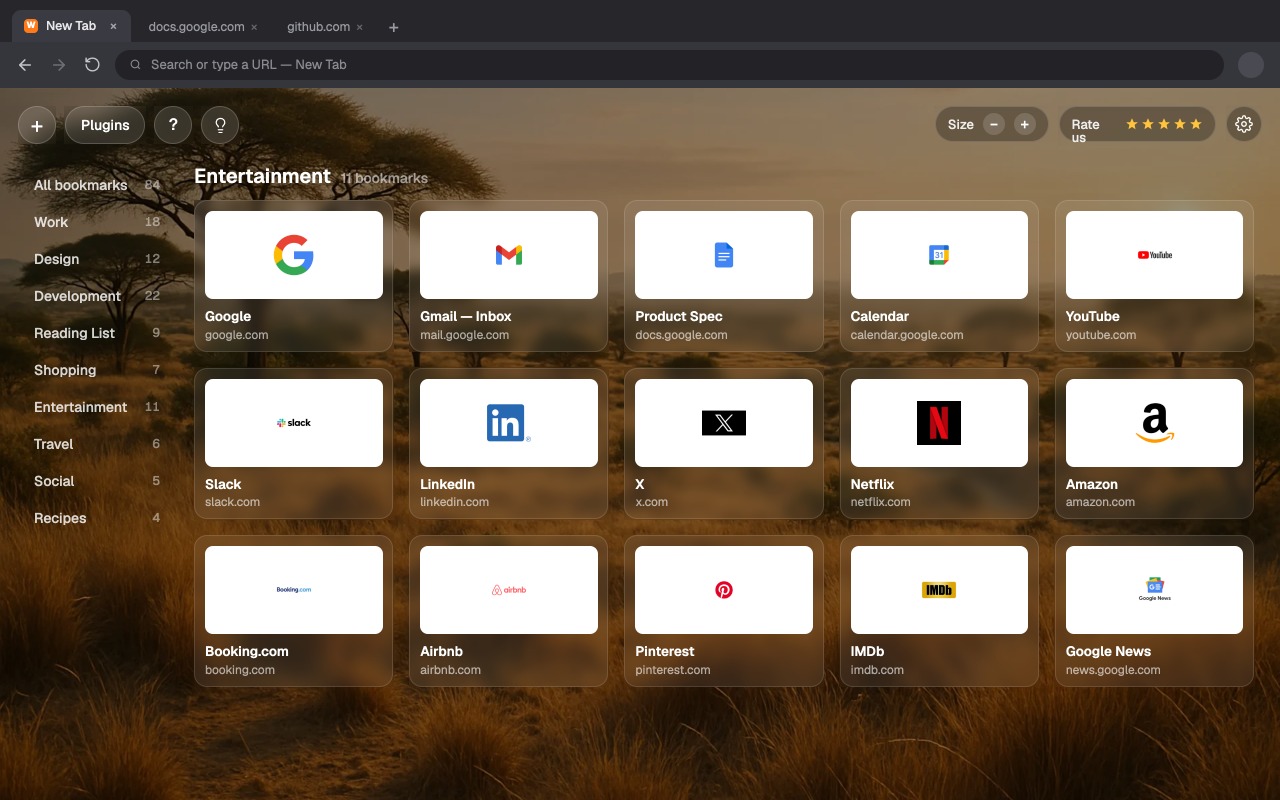
Pangkatin ang mga bookmark sa mga folder tulad ng Trabaho, Disenyo o Listahan ng Babasahin. I-drag at i-drop para muling ayusin, lumipat ng folder mula sa sidebar, at tingnan ang lahat na nakapangkat sa isang malinis na view.
Gawin itong sa iyo
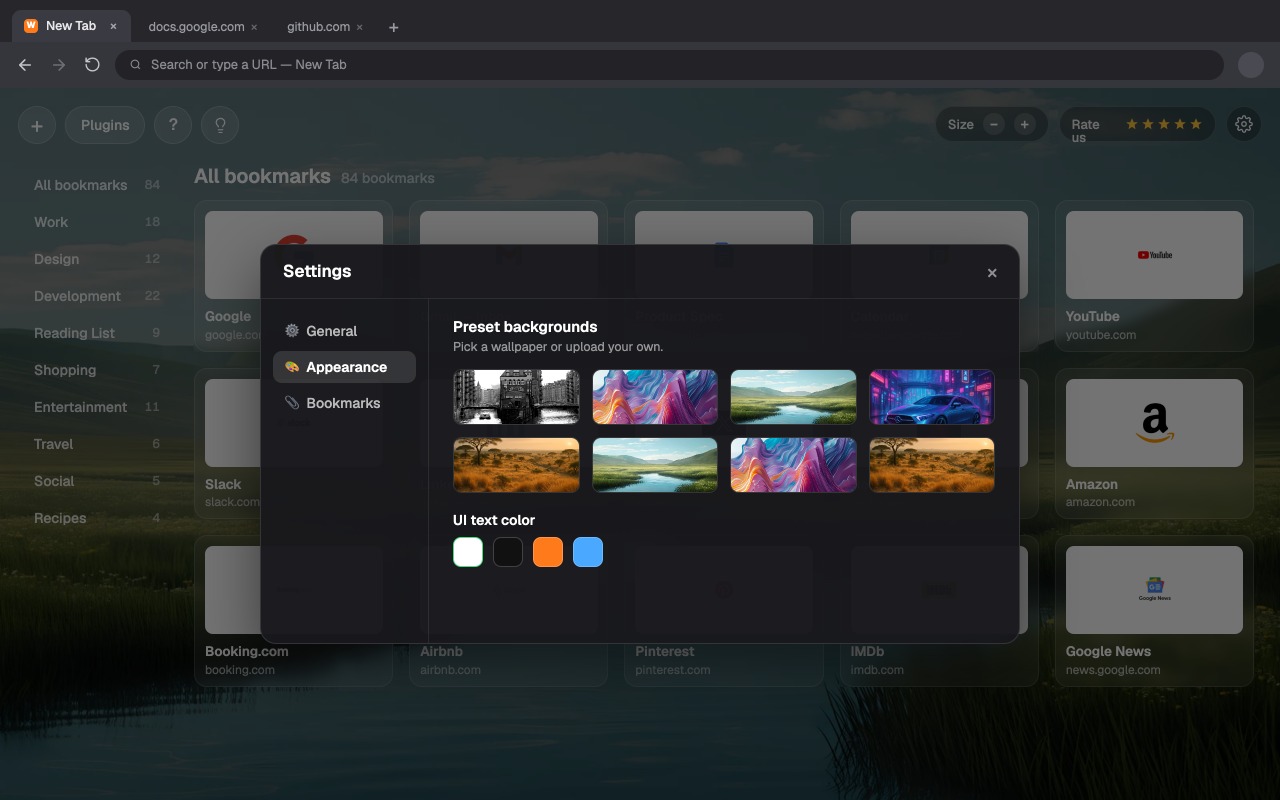
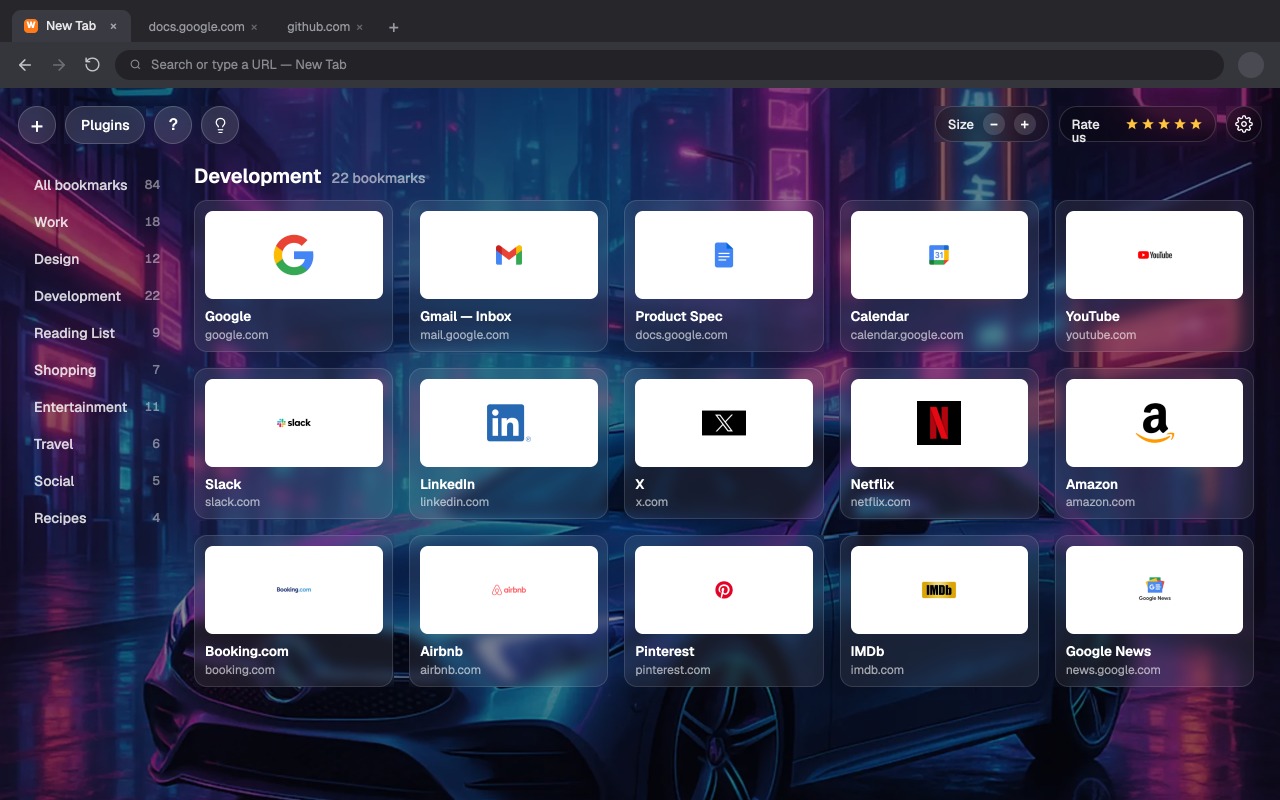
Pumili ng preset na wallpaper o mag-upload ng sarili mo, isaayos ang kulay ng UI text, at baguhin ang laki ng card. Isang start page na tumutugma sa mood mo, hindi ang default ng browser.
Lahat ng kailangan mo para magsimula
Pagsisimula
I-install, itakda bilang bagong tab at idagdag ang unang bookmark.
Basahin ang gabay →Capture at Web Clipper
I-clip ang area ng page, i-save ang buong page at mabilisang i-save.
Basahin ang gabay →Mga folder at pag-aayos
Gumawa ng folder, i-drag ang mga card at pamahalaan ang grid.
Basahin ang gabay →Search at AI engines
Itakda ang default engines at gumamit ng AI search mula sa tab.
Basahin ang gabay →Mga background at hitsura
Mga wallpaper, kulay ng text, laki ng card at layout.
Basahin ang gabay →Backup at import
I-export ang mga bookmark at dalhin sa ibang device.
Basahin ang gabay →