
Visual bookmarks
Bookmarks on the new tab are cards: a page preview (or your own image) and a title. Change grid density with Size (+/−) and, when helpful, grouped view by folder.
Bookmark cards
Each bookmark is a card: a preview area (page image or your own) and a title line. Left-click the preview to open the site in a new tab.
- Since extension v1.2.0 there is no separate “icons only” mode — every card uses the same preview layout.
- The “Add bookmark” card at the end of the grid opens the add-by-URL dialog.
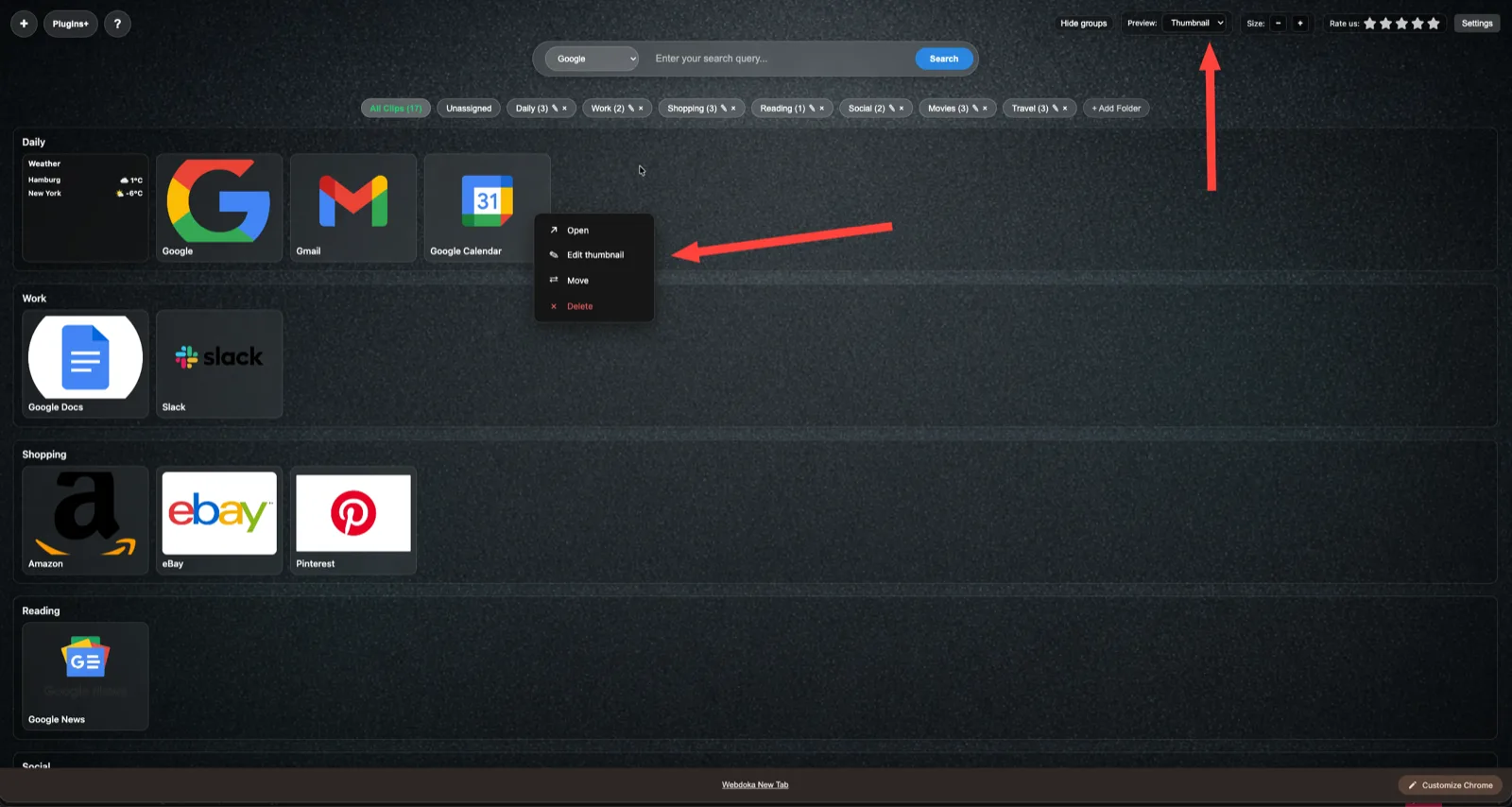
Where the preview image comes from
The extension picks an image in a fixed order — there is no “thumbnail / favicon” switch in the UI.
- Your own image from Edit thumbnail (stored in IndexedDB).
- A saved page screenshot on the bookmark (e.g. after add bookmark or Generate preview).
- Auto preview from the URL (og:image and similar), cached; if none, a favicon fallback.
- While a heavy image loads, the extension icon may show briefly as a placeholder.
Right click and actions
Right-click the card or the preview to open the context menu. Full item list and details are on the Card context menu help page.
- In short: Open; File — only if a download is linked to the bookmark; Edit thumbnail; Generate preview (page screenshot from URL); Move; Delete.
- Move: a folder list opens inside the menu (including Unassigned).
- Close the menu by clicking outside or pressing Escape.
Grid density: size and groups
Use the Size (+/−) control to fit more or fewer cards on screen. For a folder-by-folder overview, turn on grouped view — see its help article.
- The Size block on the top bar: − and + buttons; the value is saved.
- You can reorder cards inside a folder by drag and drop where enabled (see Drag & Drop).
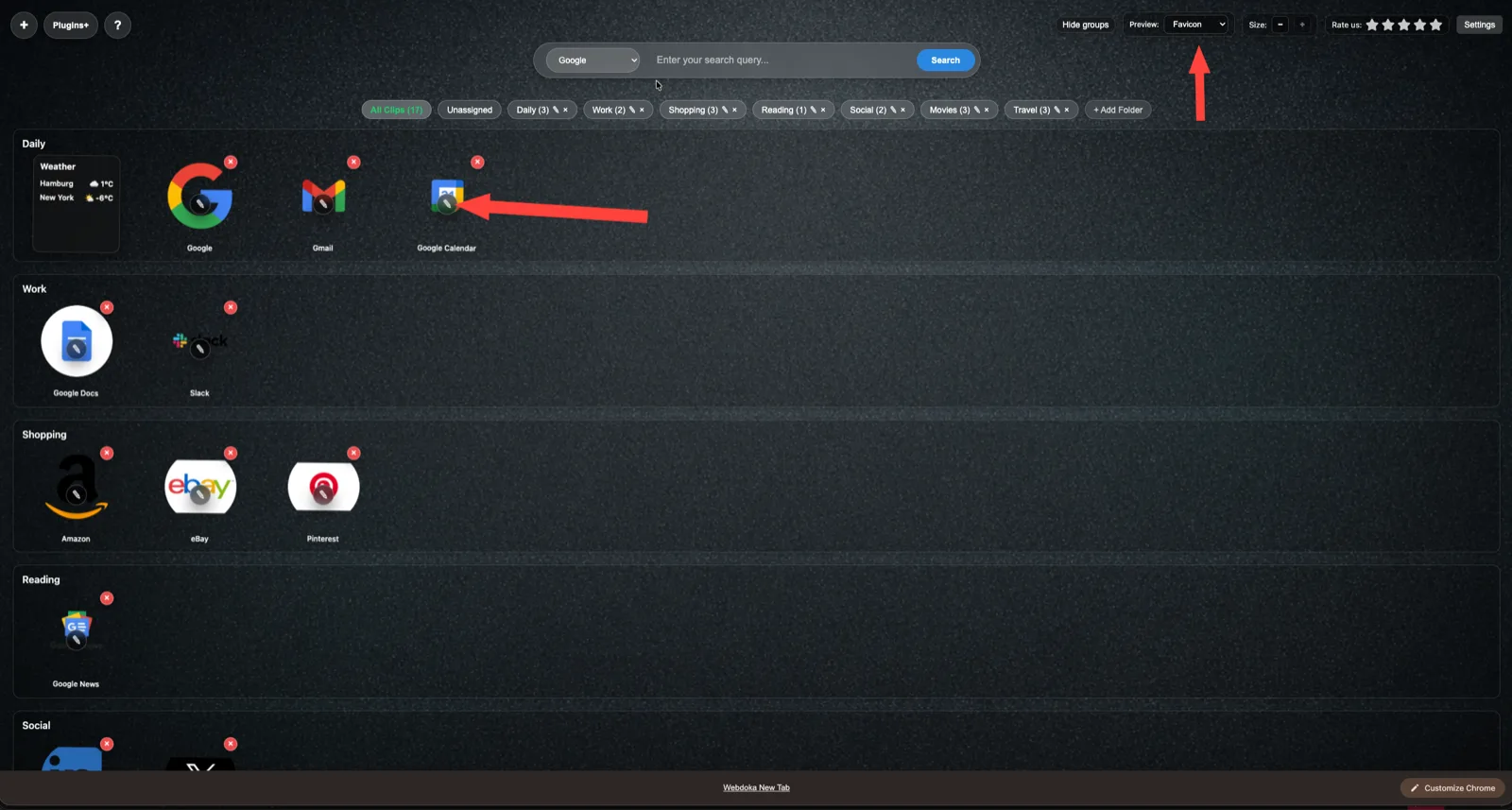
Summary
- Visual bookmarks are cards with one preview style and a title.
- The image follows: custom thumbnail → stored screenshot → auto preview from URL → favicon fallback.
- Grid density comes from scale and grouped view; bookmark actions are in the right-click context menu.